Field Mapping, Timeline Markers, Fresh UI: the latest Once Sport update
August 19, 2025
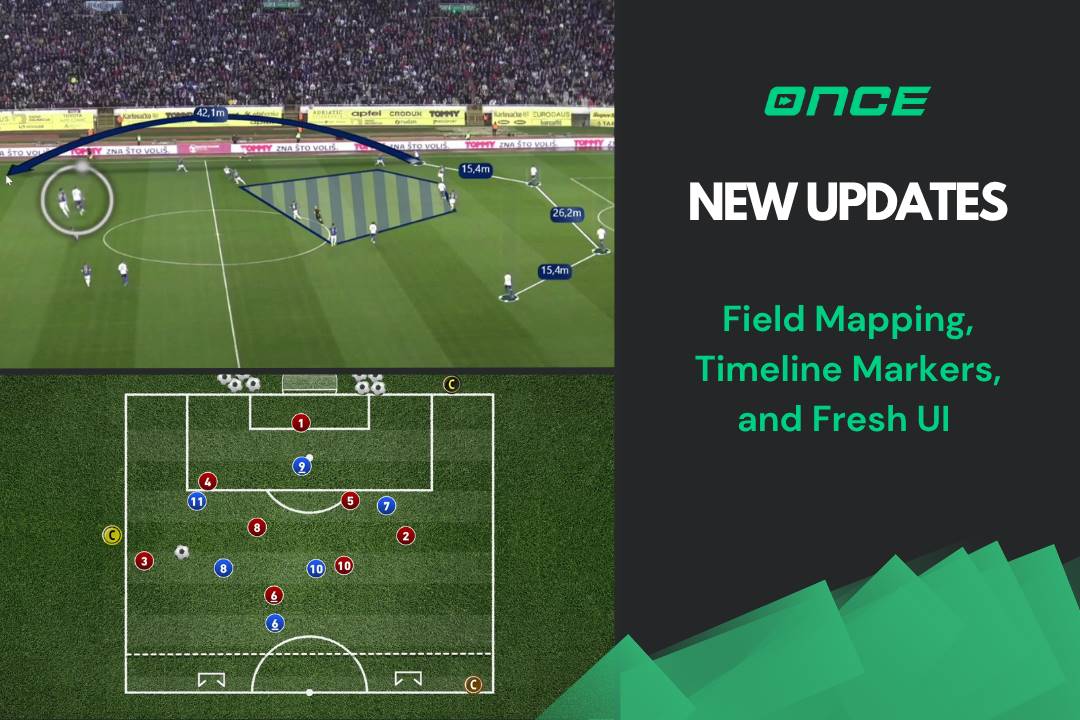
Today’s Once Sport update brings three big upgrades for analysts and coaches: point‑to‑point Field Mapping , faster navigation with Timeline Markers , and a refreshed UI that makes everyday work easier.
Here’s what’s new and how to get it!
Field Mapping
You can now measure static distances directly on the field. Drop points on the pitch, pick your elements, and get clear numbers for the width of a defensive line or space between attackers .
This is the first step for adding Field Mapping to Once Sport software. Upcoming updates will add dynamic speed measurement and 3D text , helping you show movement and context with more depth.
Timeline Markers
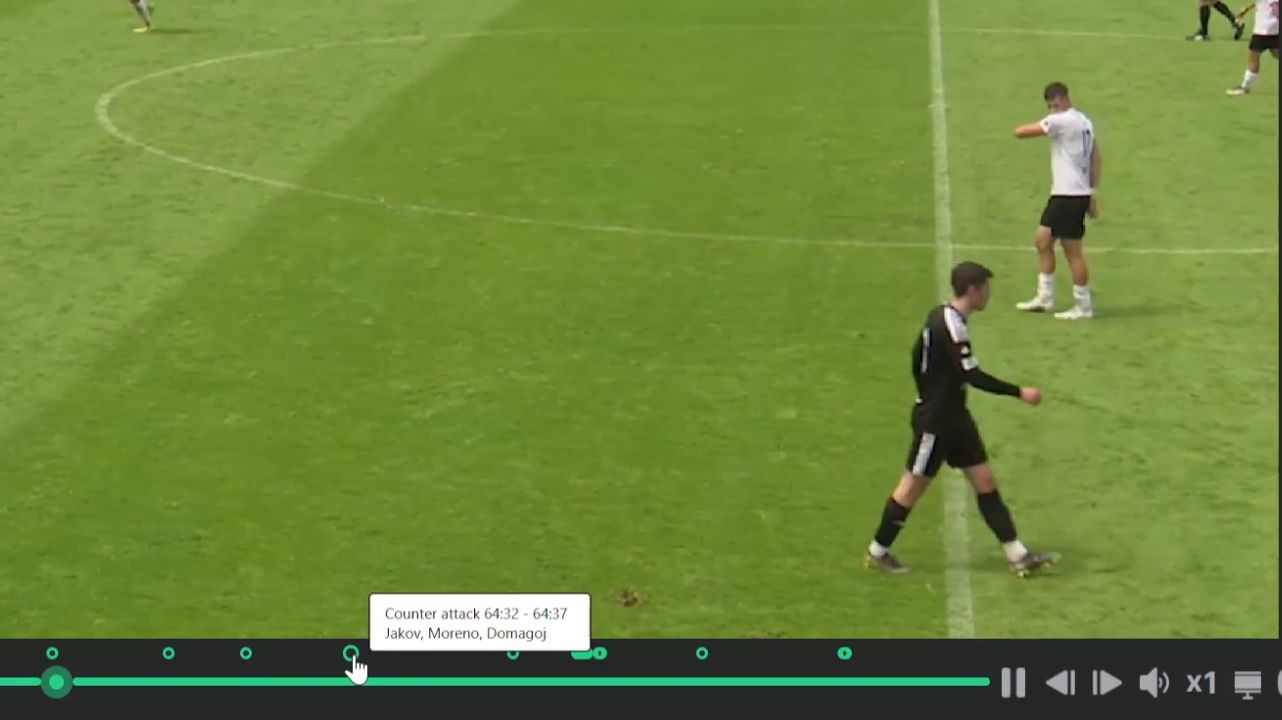
Every time you create a tag or add a drawing , a visual marker is automatically placed on the timeline. These markers give you a clear overview of all key actions and annotations throughout the video.
Whether it’s a tactical sketch , a full breakdown , or a tagged event , clicking a marker instantly jumps you to that exact moment. This makes reviewing , comparing , and editing your work faster and more structured.
Refreshed UI
We’ve made the everyday flow of starting and managing work clearer and faster. The Projects page now offers a cleaner overview to browse , organise , and access your projects, with additional improvements on the way. The New start area, where you begin projects has been refreshed, making it faster and simpler to create a Once Sport Analyseror Once Sport Telestratorproject.
The Main Menu headers have also been simplified, so navigation is cleaner and it’s easier to see everything at a glance. More UI improvements are coming soon.
Once Sport Coach Board Optimisations
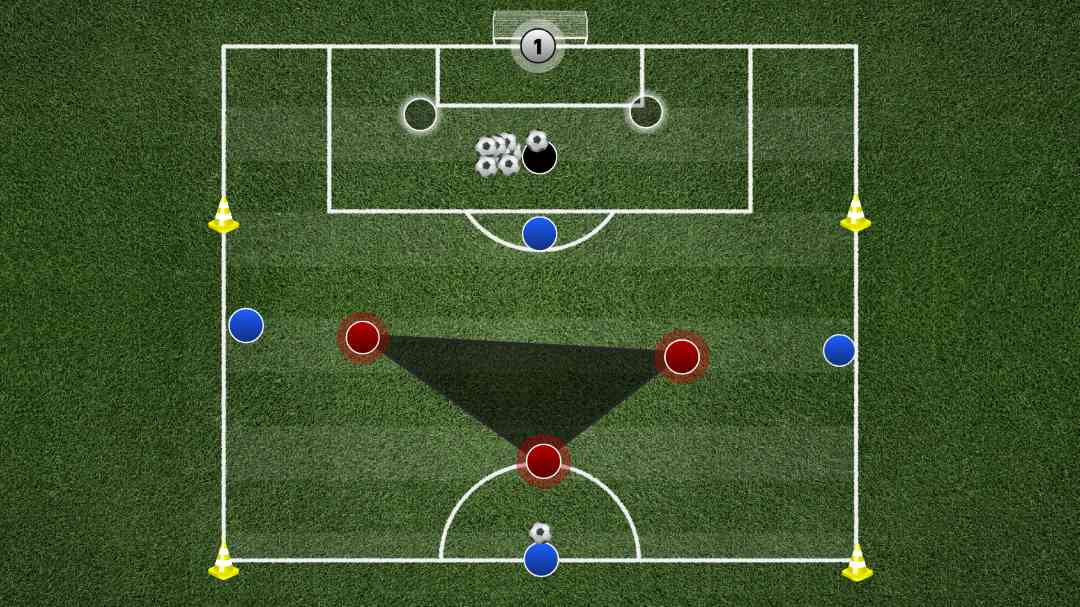
Once SportCoach Boardhas had a technical tune‑up. Object placement feels quicker and more precise, and drawing interactions are more responsive. This work also prepares the platform for two major additions: a free web version of Once Sport Coach Board and a dedicated Android app .
You’ll be able to run training sessions, sketch ideas, or prepare animations from more devices, without needing a full laptop setup.
Get the Latest Update
Thank you for reading and for being part of the Once Sport community. Try the new features and send us your feedback – we’re already working on the next round of improvements. See you in the next update!
- Existing users – Open Once Sport Analyser and follow the on‑screen message to download and install the new version (4.1.5). You can also grab the newest installer from your Dashboard .
- New users – Register for a 14‑day free trial – no credit card required . Use the button below to get started.
