New Video Player, Text Tracking & Coach Board Upgrades in Latest Once Sport Update
July 2, 2025
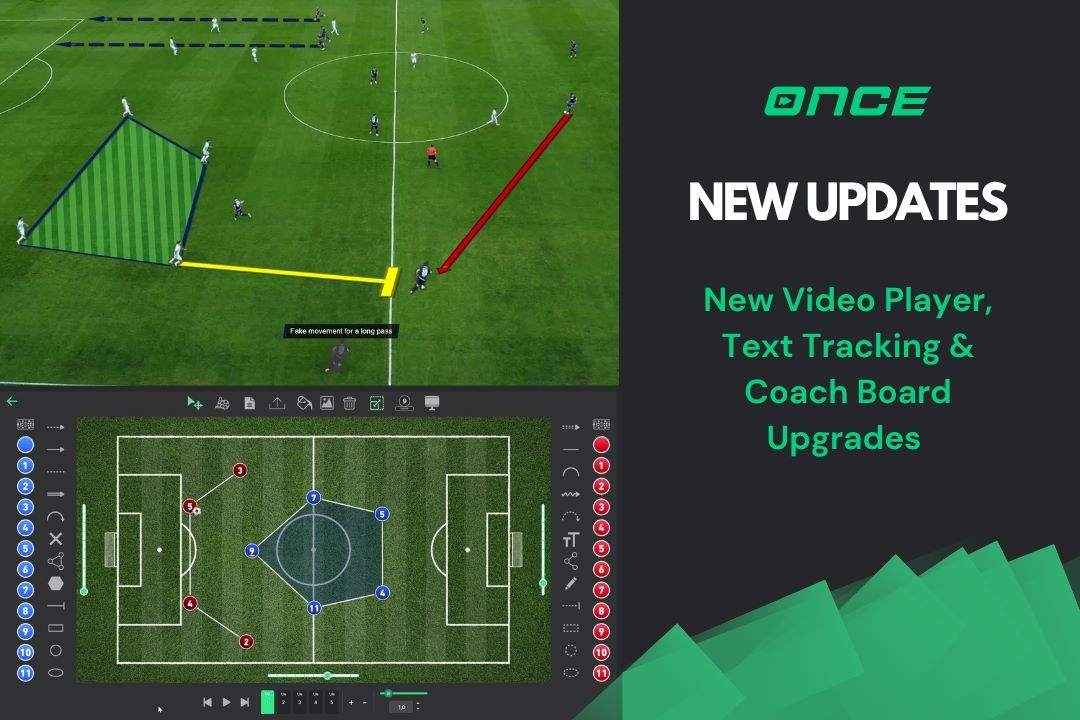
Hello everyone, and welcome to the blog for our latest Once Sport update!
This update builds a stronger foundation for the exciting new features we have planned for the future. We’ve focused on core performance, stability, and introducing powerful new tools that many of you have requested. We’re thrilled to show you what we’ve been working on.
So, let’s dive into what’s new!
A Completely Rebuilt Video Player
We have completely rebuilt our video player from the ground up. It’s now significantly faster, more reliable, and incredibly smooth, even when you’re working with high-resolution 2K and 4K video files. You’ll immediately feel the difference in how responsive the player is to your commands. This new architecture isn’t just about current performance; it also gives us the capacity to introduce more advanced video features in the near future.
An Important Note on Older Projects
Such a fundamental upgrade comes with an important consideration for your existing work. Due to the scale of this change, drawings and tracking elements in projects created before this update will require a quick, one-time manual synchronization to display correctly within the new player. This process is simple and needs to be done for each drawing you wish to preview within an older project:
- Open an older project and play an action that contains drawings.
- When the video pauses at a drawing, click the “Previous Drawing” button in the player controls. This will re-synchronize that specific drawing to the video.
- You will need to repeat this one-click step for each subsequent drawing in the action to sync them for preview.
Please note: This synchronization step is only required if you want to preview drawings in older projects directly within the Analyser. If you simply need to export an older project, all drawings and elements will render correctly without any manual intervention.
Introducing: One-Click Text Tracking
Next, we’re introducing a feature many of you have been asking for: Text Tracking. With just a single click in the Analyser, you can now track any player on the field using a custom text label. This is perfect for highlighting key players during a phase of play or demonstrating specific movements without cluttering the screen with complex drawings. It’s simple, effective, and ready for you to use in your next analysis.
Coach Board Improvements
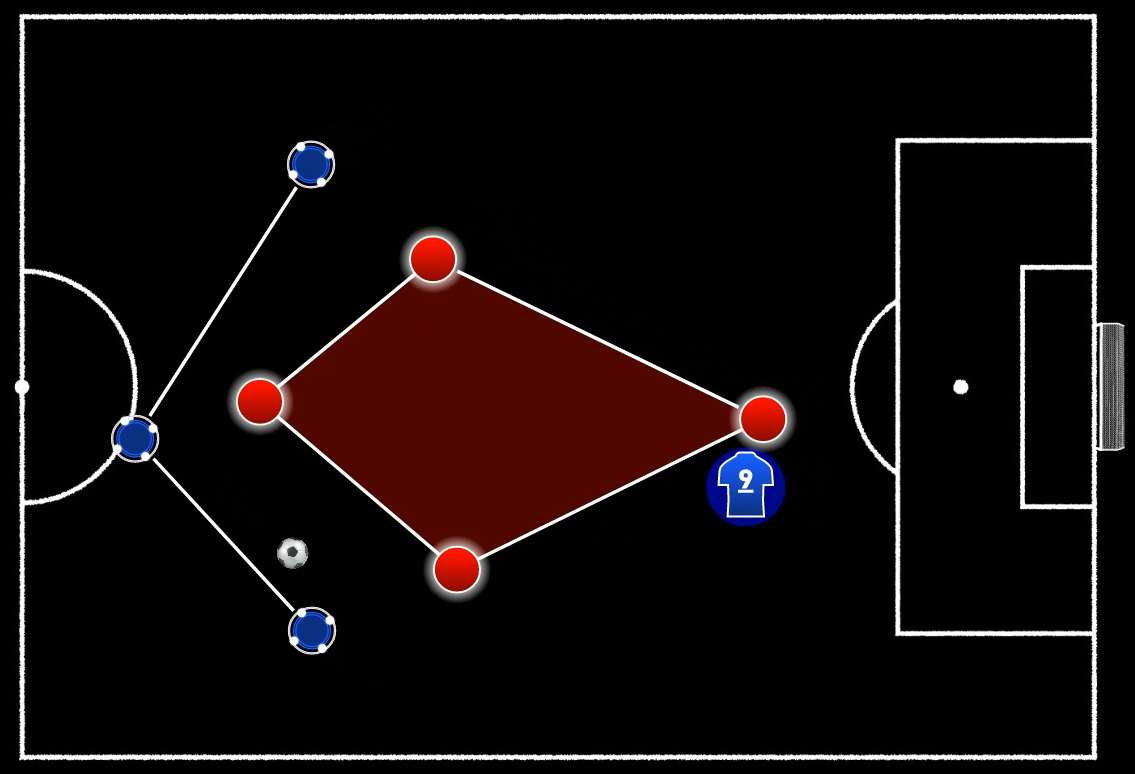
We’ve added two completely new elements to the Coach Board: the Player Formation Area and the Player Formation Line. These tools allow you to place any custom player design and create dynamic animations, making it easier than ever to illustrate complex tactical setups and movements. We’ve also made many improvements ‘under the hood’ in preparation for two major upgrades coming soon to the Coach Board, so stay tuned for that!
Future-Proofing the Platform
Finally, beyond the specific features I’ve mentioned, this update includes major optimisations across the entire platform. These background changes improve the overall speed, stability, and robustness of the software. Much of this work prepares us for our next huge update, which is already in development. It will include powerful new capabilities like Field Mapping, expanded Cloud Services, and a complete redesign of the Main Menu to improve your workflow.
Closing Thoughts
This update is a critical step forward, improving the core experience of Once Sport while paving the way for even bigger things to come. As always, we want to thank you for your continued support and valuable feedback. We’re excited for you to explore these new functions. Please update your software, try them out, and let us know what you think. Thank you for reading, and stay tuned for what’s next!
Get the Latest Once Sport Update
For existing users:
To install the latest version of the software, simply run your current Once Sport Analyser. You will be prompted on screen to download and install the update. You can also download the latest version directly from your Dashboard and install it manually.
Important Note on Your Desktop Icon
After this update, the old program icon on your desktop will no longer work due to the application’s name change. Please delete the old icon and use the new one created during the installation.
For new users:
Register today and enjoy full access for 14 days – no credit card required. Click HERE or the button below to get started!
