How Once Sport Autocam Works for Teams Like Yours? AS Lodigiani Calcio 1972
March 26, 2025
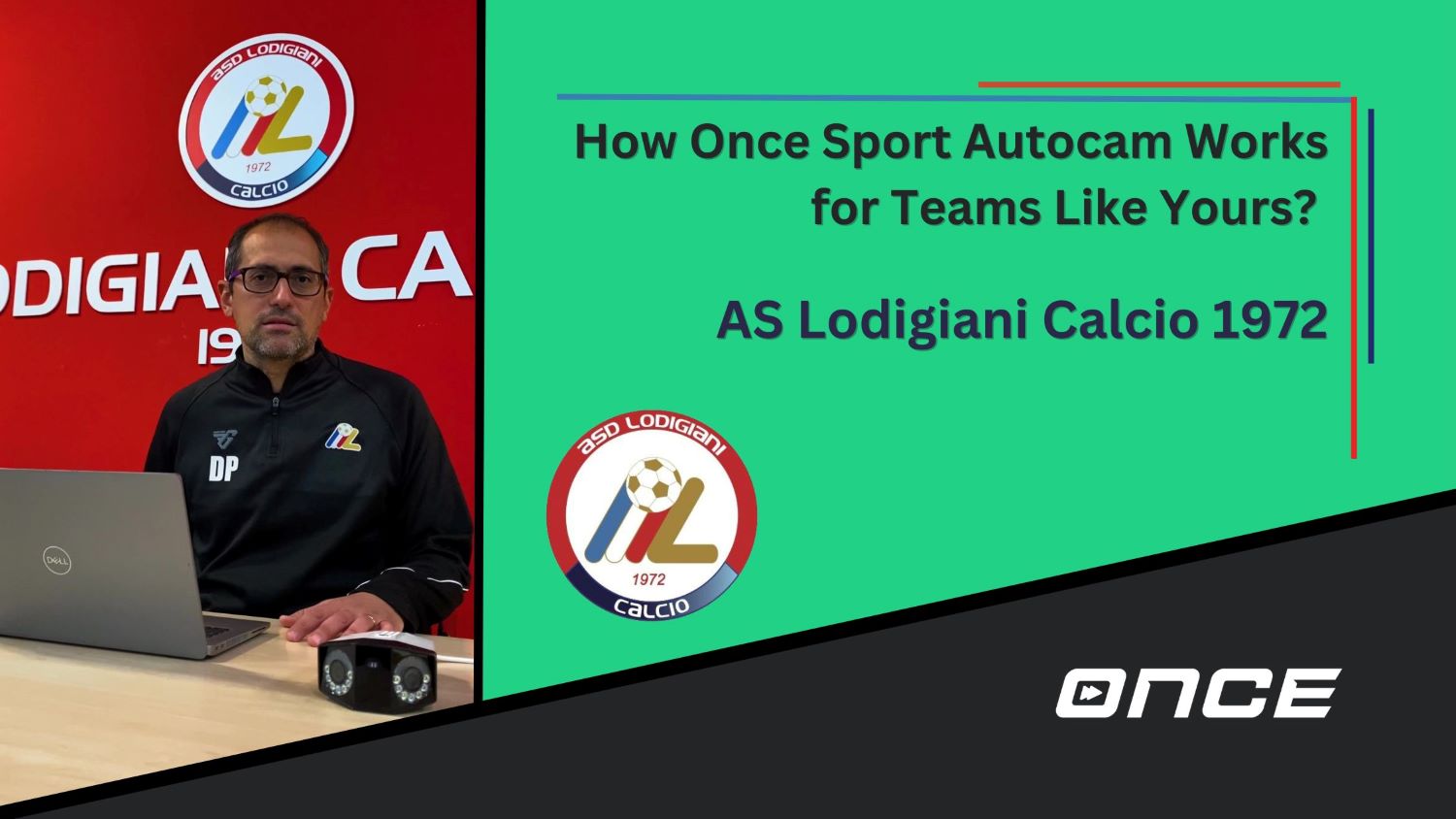
AS Lodigiani Calcio 1972 is an Italian team well-known for its high-quality academy and youth teams. The most famous player who graced their fields was none other than the L’Imperatore himself. Francesco Totti spent 3 years of his youth development at Lodigiani before moving on to Roma. Another successful player who spent some time at Lodigiani is Antonio Candreva. He is best known for his years playing for Juventus, Inter, and Lazio. To try and raise new Totti-level players, Lodigiani uses our automated recording solution, Once Sport Autocam, to record their games. Daniele Pochesci, a video analyst at the club, created a video explaining the whole process of using Autocam. Daniele explains everything you need to know, from setting up the camera to downloading and then processing the footage later. In addition to Autocam, they use Once Sport Analyser and Once Sport Coach Board to improve their performances. Using Once Sport Autocam Pochesci starts the video by showing all the equipment needed to record. A tripod, a camera, and a portable battery. He continues by explaining how to set up the camera correctly. To get the best footage possible, the camera has to be positioned at a certain height a few meters away from the sideline. In order to avoid shaking during recording, you need to make sure that the tripod is completely stable while setting up. Furthermore, he says how the camera needs to be positioned to catch the best footage possible. This applies both to the tripod and the camera application, which you can install on your phone. The first thing you mount on the tripod is the adapter, on which later you screw the camera. As recording whole games may take a while, you need to have a portable battery that can power the camera throughout the whole time. That’s why after mounting the camera you connect it with the battery. Pochesci also gives a few useful tips on what to use to hold the portable battery close to the camera. They use a small scooter bag in which they put the battery. Then, they secure the bag to the tripod with elastic bands and lift the camera to the desired height. Also, the bag gives them an easy solution to protect the battery from rain. In the last part of the video Pochesci explains how the processing of the footage works. He explains how to download the footage you need to extract the SD card from the camera and connect the card to the PC. After downloading the videos, you open the Once Sport Autocam app and upload the wide-angle recording from the camera. After that, you choose the maximal and minimal zoom and start processing the video. Pochesci says that the processing lasts anywhere from 65 to 70 minutes, but that depends on the configuration of your PC. After the processing, they get footage similar to a TV broadcast of a match. Finally, they take the final footage and use another of our products to analyse the match. They use Once Sport Analyser and Once Sport Coach Board which allow them to not only analyse the games but also create training sessions, based on their analysis. Watch the video and find out more! How can you use Once Sport Autocam at your club? Lodigiani also filmed two videos where Daniele Pochesci and Gianmarco Estrella, assistant coach of the first team, talk about the importance of Once Sport products for their club. With Once Sport Autocam, they record their games. They especially highlighted how the portable solution allows them the flexibility to record games on different fields, and even on away games. For them, the Autocam is a revolutionary tool, as it allows them to combine the potential of automated recording with the precision of television recording. Finally, after they had processed the footage they again mentioned the use of Once Sport Analyser. With it, they analyse their games to improve and then reach the ultimate goal. To win. We want to thank the AS Lodigiani Calcio 1972 coaches for filming these videos and sharing their experiences. It is amazing when professionals are willing to share their experiences and help other coaches develop. If you’re interested in learning more about using Once Sport Autocam, Daniele Pocesci is open to your questions. You can ask him anything! It doesn’t matter if you want to find out how Autocam helps him or get a closer insight into how he set up the whole process. Get in touch with Daniele Improve your Sports Analysis If you are reading this and you think you could use a better video analysis program, or you haven’t tried video analysis yet, browse around our website www. once. sport. Try Once Sport Analyser, featuring amazing tagging, animated drawings, and automated tracking; Once Sport Telestrator, separately for quality drawing and tracking; and Once Sport Coach Board for tactics and training creation. For automated recording? Check out Once Sport Autocam, an affordable sports recording solution for clubs at any level. If you need help, contact our team at info@once. sport or +4367764304109 for personalised support. Get your Once Sport Analyser free trial
